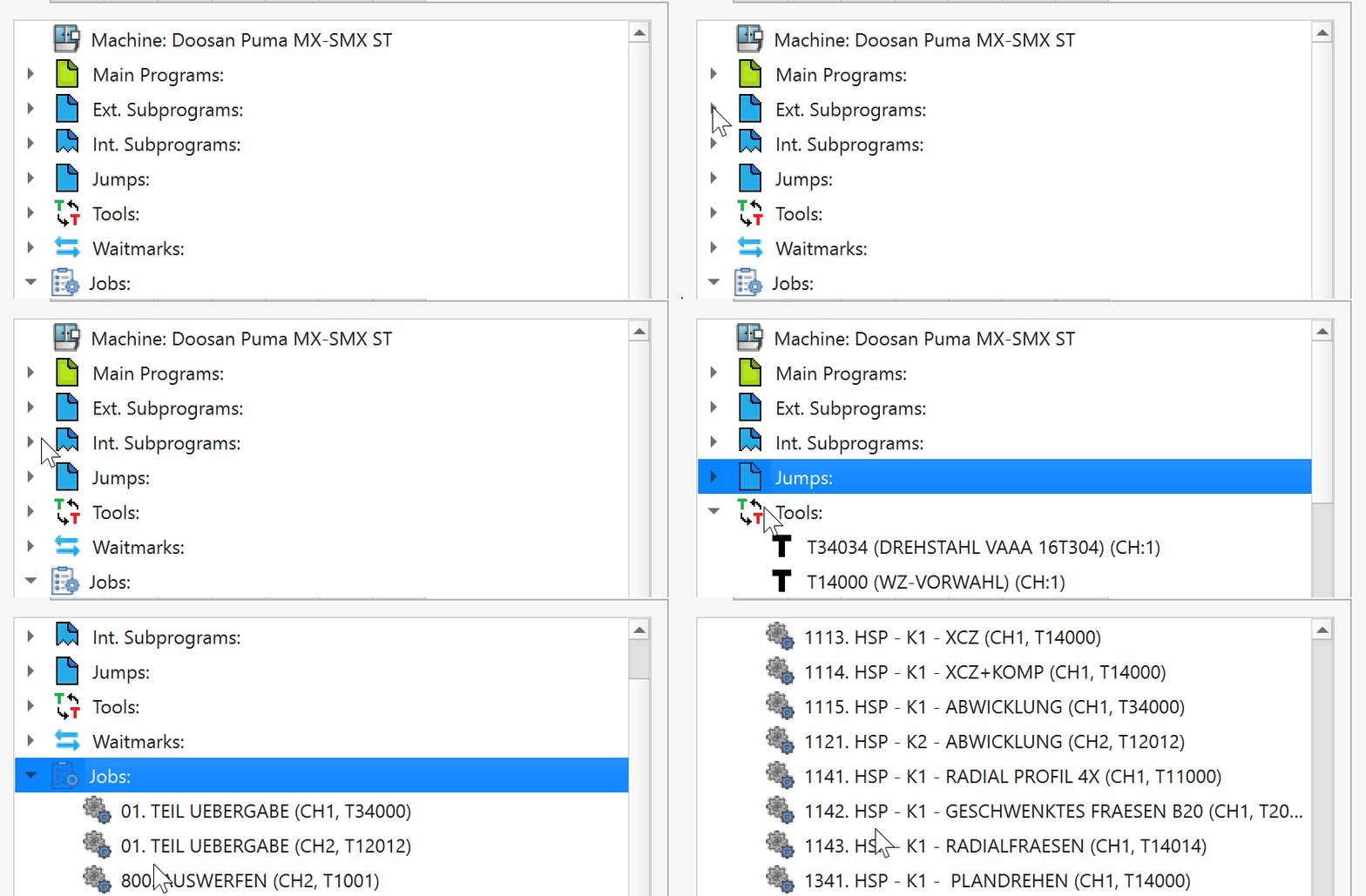
Meet AnyNC, the free NC program editor with automatic recognition of machines, files, tools, jobs, and waitmarks. Open your code and find your way through it.
Machines ✦ Files ✦ Tools ✦ Jobs ✦ Waitmarks ✦Codes
LESS SEARCHING. MORE PROGRAMMING.
A program is more than lines of code.
AnyNC brings structure to your NC files. Work alongside your CAM software, navigate directly to the elements you need, and understand how your programs fit together.
01
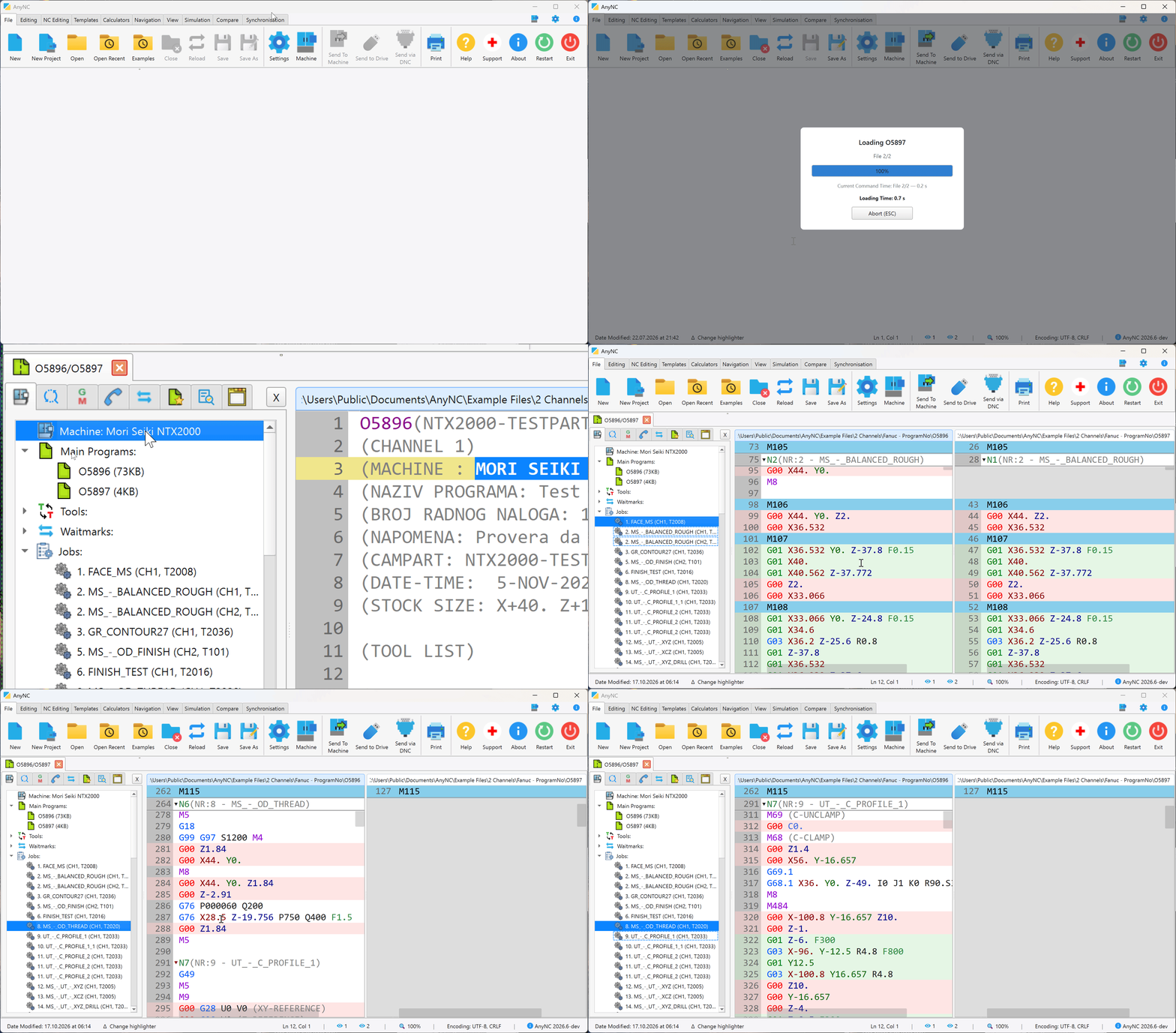
Open your files
Bring your NC programs into one workspace.
02
Automatic machine recognition
AnyNC automatically recognizes the machine by finding a unique string in your NC files that matches its machine profile, then loads the corresponding NC syntax.
03
Get straight to work
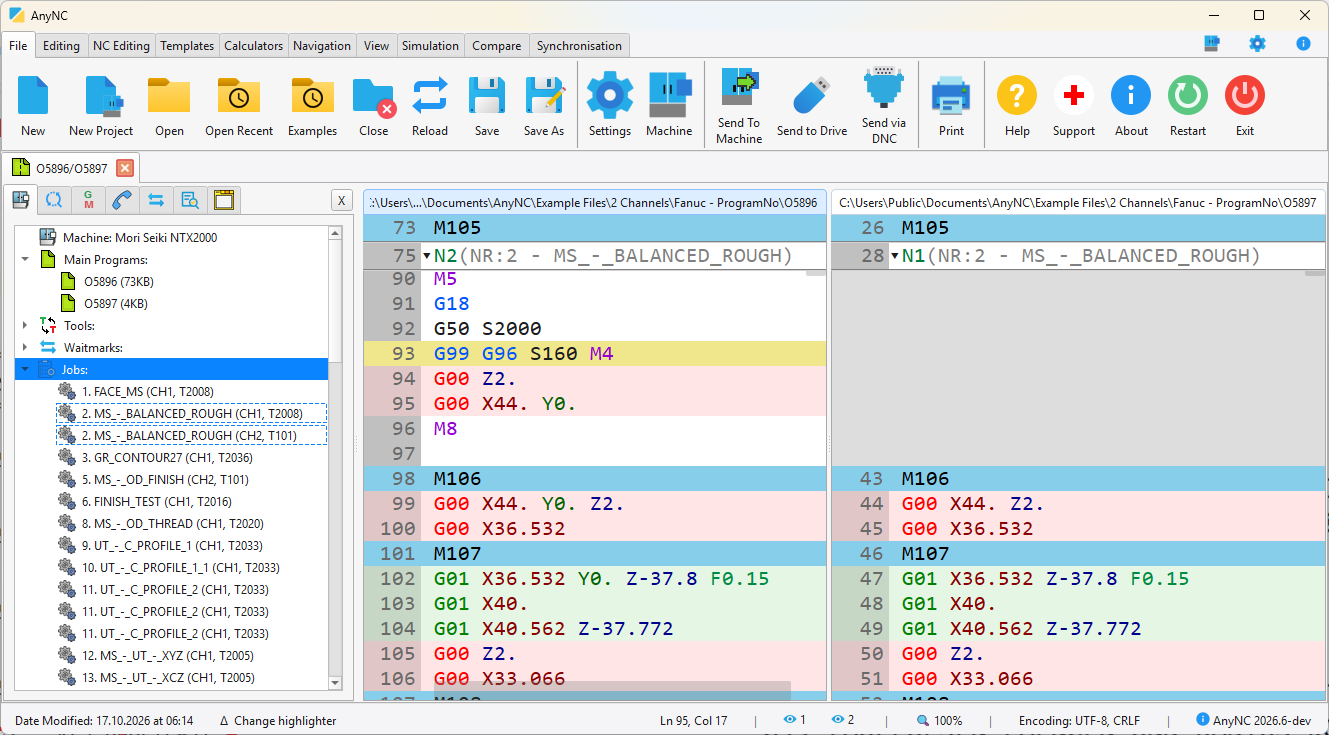
Navigate, edit, compare, and explore your code.
Navigate your jobs and edit your NC code in one workspace.
FLEXIBLE MACHINE PROFILES
Any machine. Your syntax. No fixed list.
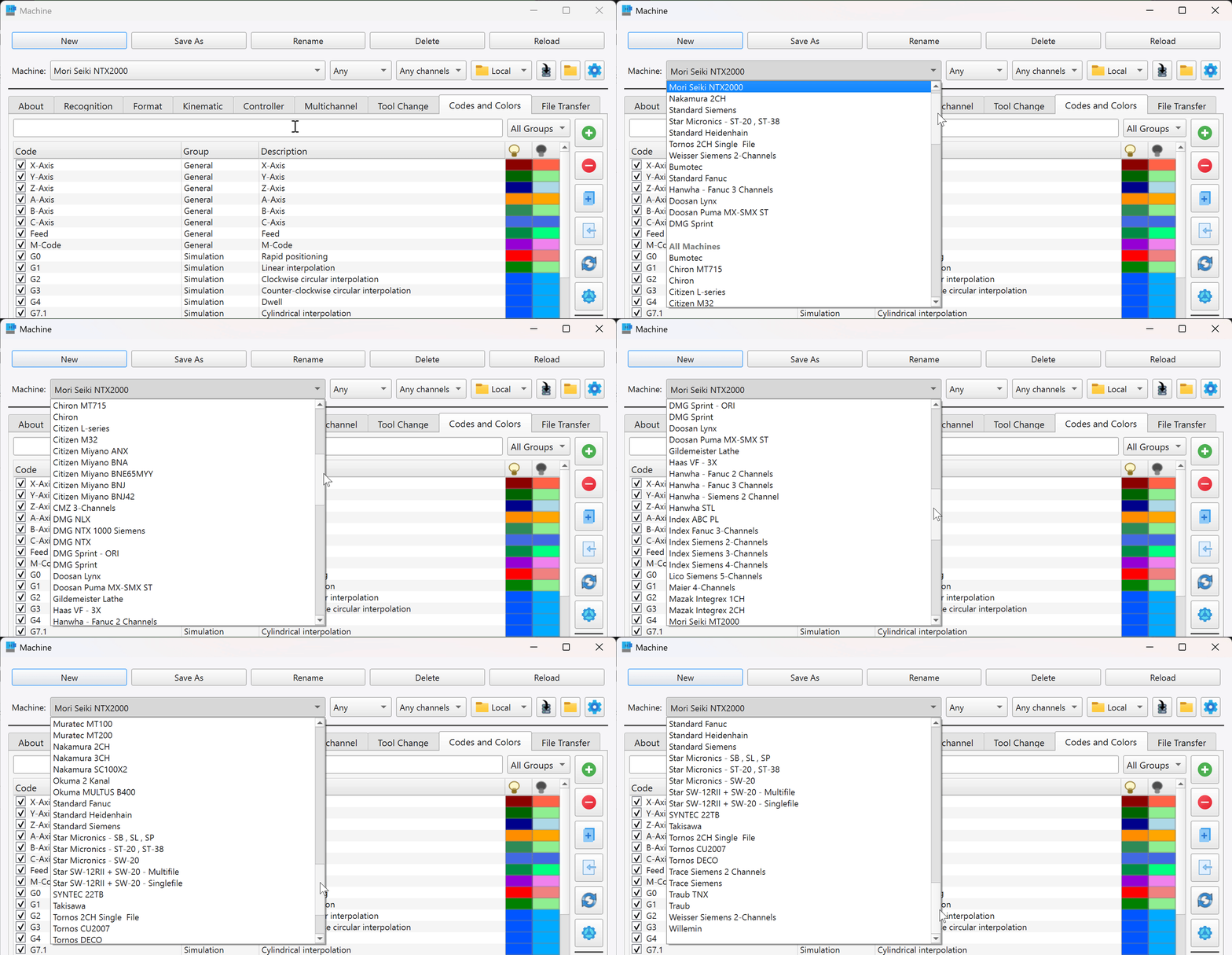
Configure AnyNC for any CNC machine by defining its NC syntax and recognition rules inside a machine profile. You can create and customize profiles yourself, with no limit on the number of machine profiles.
Choose an existing machine profile or create your own.
SEE THE BIGGER PICTURE
Made for real NC work.
From finding a tool call to following a complex program.
THE CORE OF AnyNC
Open code. Find the structure.
Automatically recognize machines, files, tools, jobs, waitmarks, and codes using configurable machine profiles. Jump to the program elements you need through the navigator.
Request a Pro trial from inside AnyNC. When the trial ends, you return to Free.
GOOD TO KNOW
A few answers before you start.
Is AnyNC really free?
Yes. AnyNC Free is a permanent editor and does not require a license file. Pro adds advanced capabilities for more demanding workflows.
Can I use AnyNC alongside my CAM software?
Yes. AnyNC is designed to work alongside CAM software, helping you review and edit the resulting NC programs.
Which machines are supported?
AnyNC can be configured for any CNC machine through its flexible machine profiles. Define the NC syntax and recognition rules yourself, or customize an existing profile to match your machine. You are not limited to a fixed list of manufacturers or controllers, and there is no limit on the number of machine profiles.
How does machine recognition work?
AnyNC matches information in your files to configurable machine profiles. The selected profile defines recognition rules and NC syntax. Capabilities depend on the profile and controller.
How can I try Pro?
Request a 30-day trial inside AnyNC. The application creates a license request file (.c2v) to email to support. Import the signed license file (.v2c) you receive to activate the trial.
How can I buy AnyNC Pro?
Choose your license, number of seats, billing details and payment method on our Buy Pro page. You do not need a request file to buy. Pro is €19 per month, €199 per year, or €499 one-time for a perpetual license. The checkout currently offers test payments only; contact us for a real quote including applicable taxes.